Short answer
How many players fit on a Windrose server?A Windrose server at Agrar Chaoten offers 8 slots from €10/month. You can adjust the player count anytime via the web interface.
Windrose server — overview
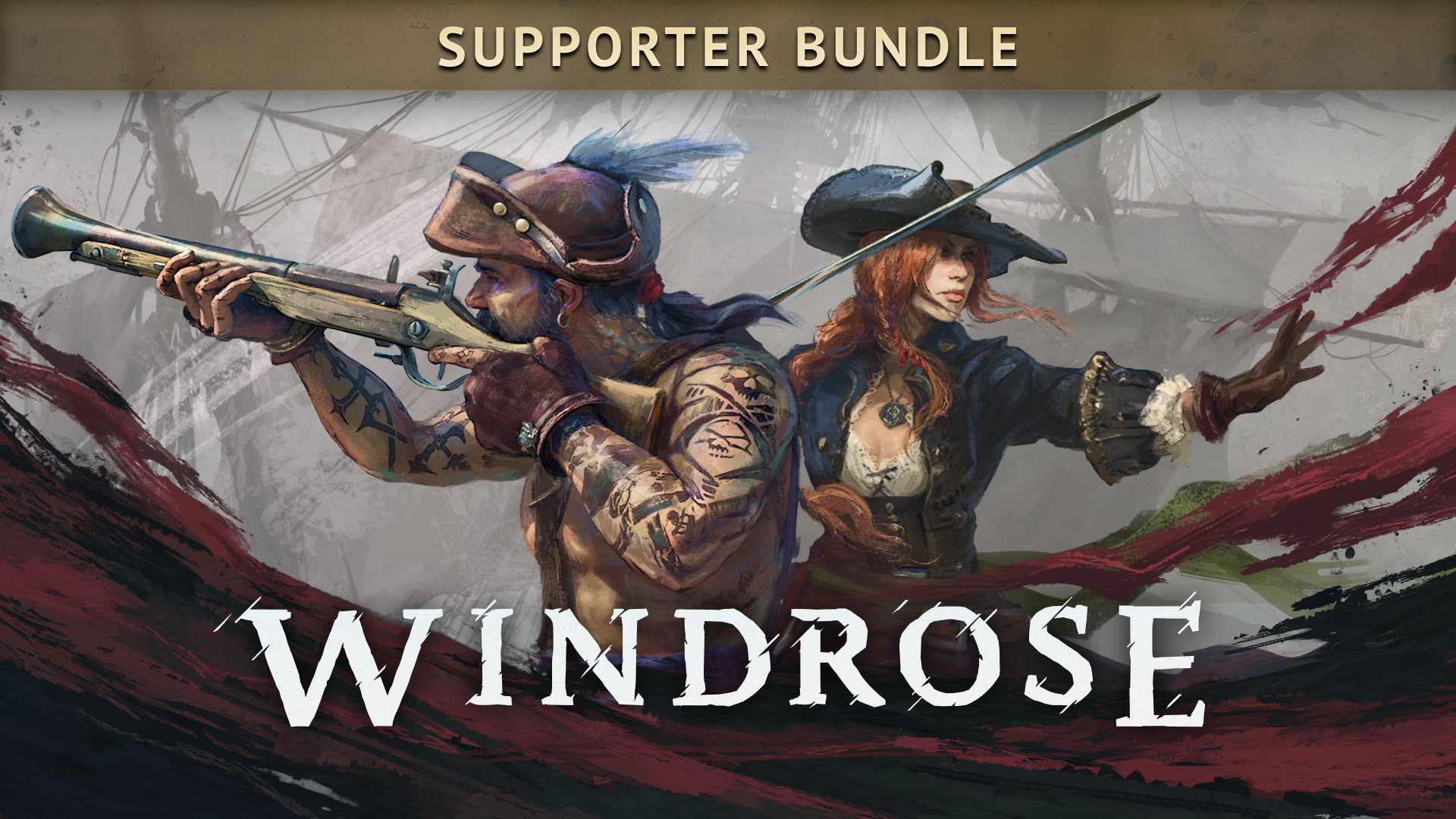
Windrose (formerly Crosswind) is a pirate survival adventure set in an alternate age of piracy. You play a captain going up against Blackbeard — fighting on land and at sea, building fortresses, exploring procedurally generated islands and assembling your own pirate crew. The game combines survival crafting with soulslite combat and real ship navigation.
What you need: A Windrose dedicated server (e.g. at Agrar Chaoten), an FTP client (e.g. FileZilla) and your credentials from the order confirmation. The developers recommend 4–8 players for the best performance.
Requirements
Before you get started, make sure you have the following at hand:
- Server IP address and port from your order confirmation email
- Access to your server in the panel (sign in with your customer account)
- FTP credentials for file transfers (e.g. FileZilla)
- Windrose installed on Steam
Starting the server
Start the server in the panel
Log in on agrarchaoten.com, open your Windrose server under My servers and start it with Start. The server needs about 1–2 minutes — wait until the status changes to Online.
Connect with Windrose
Launch Windrose on Steam. Go to Multiplayer → Join Server. Connect via the server IP and port, or via the invite code from your configuration file.
Configuring the server — ServerDescription.json
The Windrose server configuration is done via this file over FTP:
Download the file, open it with Notepad++ and adjust these parameters:
| Parameter | Description | Example |
|---|---|---|
ServerName | Name in the server list | "Agrar Chaoten Windrose" |
ServerPassword | Password (empty = public) | "MyPassword123" |
MaxPlayers | Max. number of players (recommended: 4–8) | 8 |
InviteCode | Direct invite code for your crew | Generated automatically |
Tip: The server has to be restarted after every configuration change. Always create a backup copy of the original file beforehand.
Backing up & transferring your savegame
Savegames are located on the server under:
Back up the savegame
Connect via FTP and download the complete Saved folder to your local PC — it contains the world, characters and all progress.
Restore the savegame
Stop the server in the panel. Upload your backed-up Saved folder in the Files tab — a .zip is extracted automatically — and replace the existing one. Then start the server again.
Transfer a singleplayer world
You can copy your local singleplayer savegame via FTP into the server's Saved directory and continue playing there.
Inviting your crew
- Invite code: Share the code from the
ServerDescription.json— join directly from the main menu - Directly via IP: Share the server IP and port from the order confirmation
- Password protection: If set, share the password as well
Developer recommendation: 4–8 players for the best performance. With more players, performance can drop.
Tips & troubleshooting
Server not showing in the list? Wait 2–3 minutes after starting. Alternatively, connect directly via IP.
Performance tip: Windrose needs at least 16 GB RAM for a dedicated server. Agrar Chaoten servers have enough headroom for up to 8 players.
Early access: Windrose is under active development. After major updates, a server restart may be needed — you install updates in the panel with the Update button.
Frequently asked questions
How many players fit on a Windrose server?
How fast is my Windrose server online?
Can I back up my save?
Where are the Windrose servers located?
Personal support for our customers
Rent a Windrose server with us and you get real people, not a ticket system. Sebbo and Langnesi help you personally on Discord — with setup, mods and troubleshooting. We run these servers ourselves every day, so we know the pitfalls.
No Windrose server yet?
Get started now with DDoS protection and personal support.
Rent Windrose ServerLast updated: 2026-04-20 · Written by the Agrar Chaoten team